The single most expensive thing about a website compromise is not the attack. It is the weeks between the attack and anyone noticing.
File integrity monitoring is the mechanism that closes that gap. It is unglamorous, conceptually simple, and it is the difference between a two-hour problem and a two-month one.
How it works
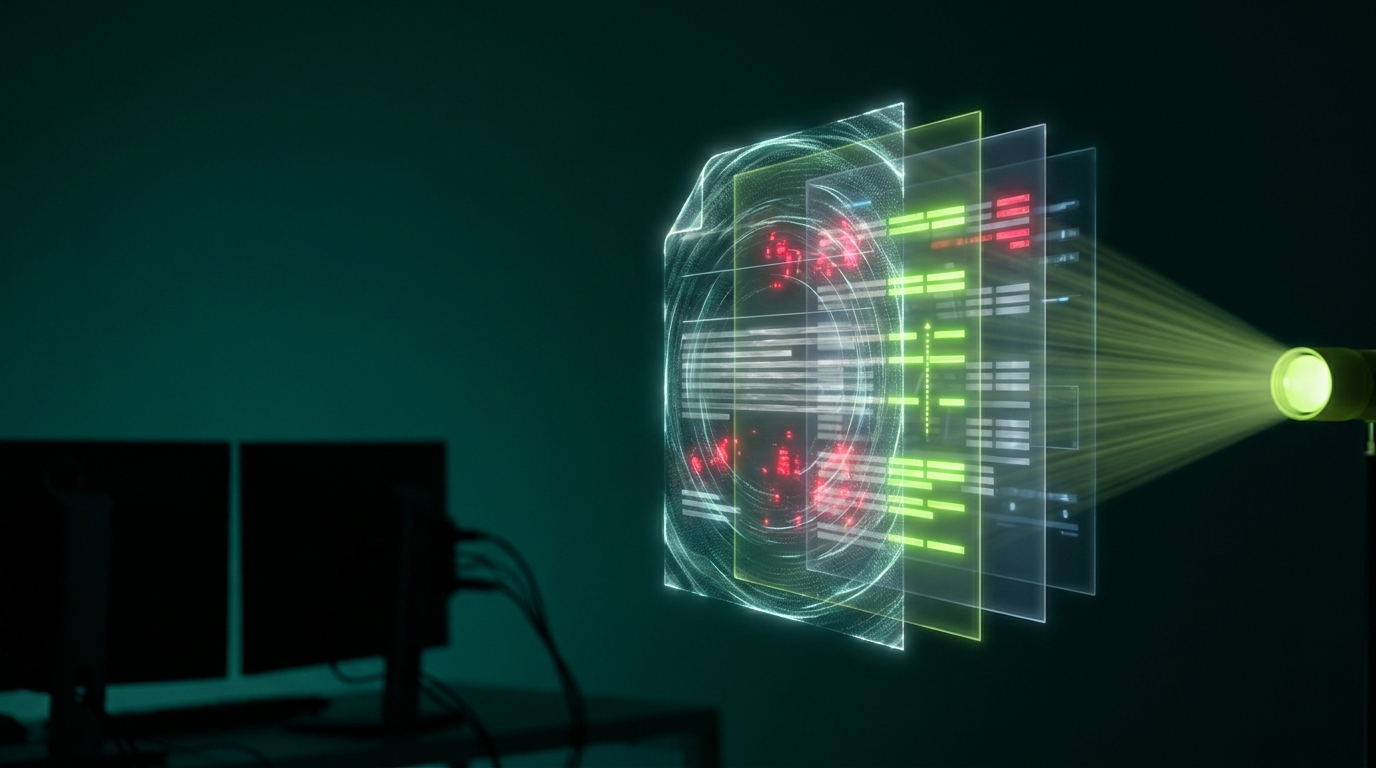
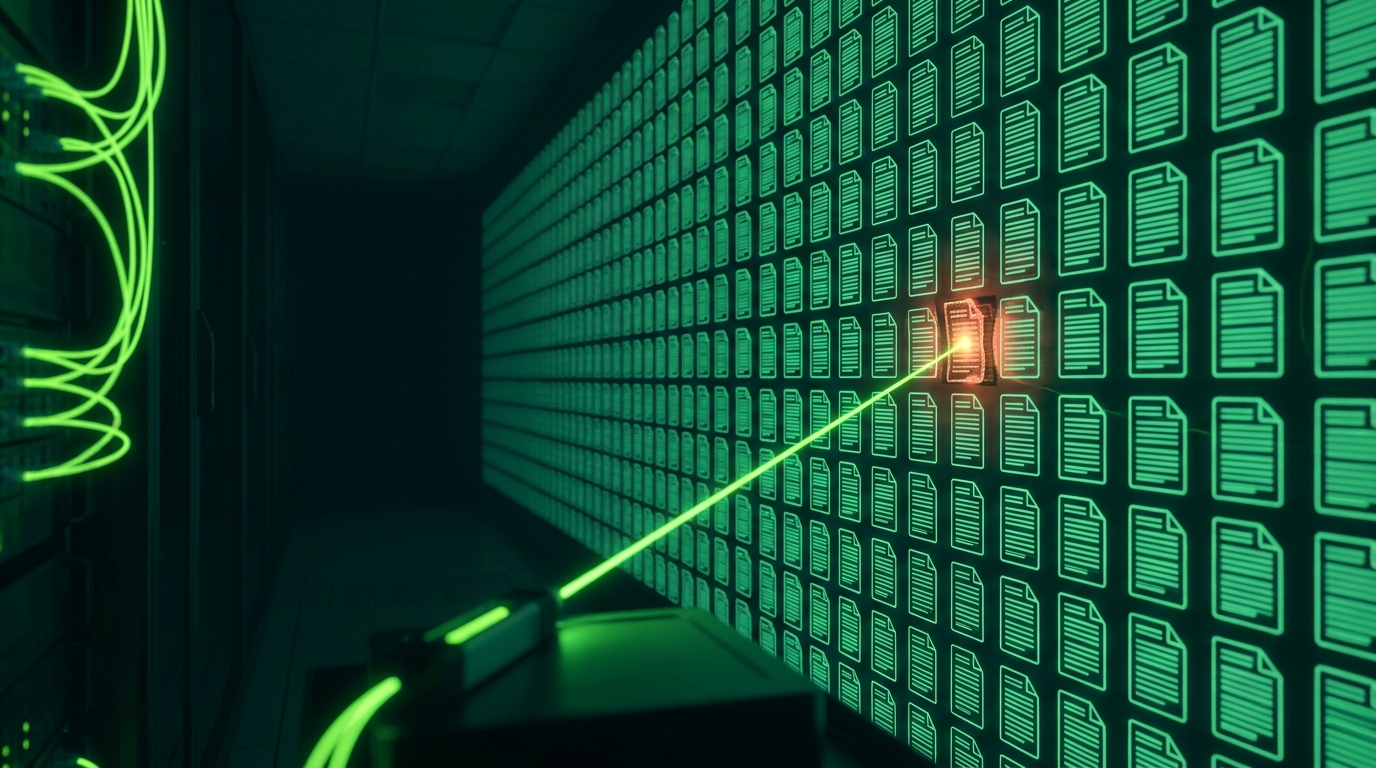
The idea is straightforward. Take a fingerprint of every file on your site — a cryptographic hash, a short string derived from the file's exact contents. Store those fingerprints. Then re-check periodically.
If a file's contents change by even a single character, its fingerprint changes completely. Compare the new fingerprints against the stored ones and you know precisely what changed, and when.
For WordPress core, themes and plugins there is an additional advantage: known-good versions are publicly available. Your files can be compared against the official release rather than only against their own history — so a file modified before monitoring started is still detected.
What it catches
- Injected code in core, theme or plugin files
- Backdoors uploaded anywhere on the site
- Phishing pages placed in folders you never look at
- Modified
.htaccessrules used for redirect hacks - Altered
wp-config.php - PHP files in the uploads folder, which should never contain executable code
- Mining scripts added to templates
Crucially, it catches these before there is any visible symptom. A backdoor sitting dormant produces no slowdown, no spam pages, no warning from Google. It is invisible to every other detection method until it gets used.
Most detection methods find a compromise by its effects. File integrity monitoring finds it by its cause, which is usually weeks earlier.
What it misses
Being clear about the limits, because this gets oversold as complete protection.
Database-only infections. A large share of WordPress compromises live entirely in the database — injected scripts in wp_options, spam in post content, a user quietly promoted to administrator. The files are genuinely unchanged, so file monitoring sees nothing.
This is why file scanning alone is insufficient, and why sites cleaned on the file side keep reinfecting. Our guide to removing malware from WordPress covers the database side.
Data theft. An attacker reading your customer database changes no files at all.
Legitimate-looking changes. If an attacker has admin access and edits content through the dashboard, that is a normal database write.
It does not prevent anything. This is detection, not defence. The attack succeeded; you are finding out quickly.
The false positive problem
This is where most implementations fail in practice, and it is worth understanding before you enable anything.
Websites change legitimately, constantly. A single plugin update modifies hundreds of files. A cache directory rewrites itself continuously. Log files grow every minute. Uploading images adds files.
Naive monitoring reports all of it. Within a fortnight you have thousands of alerts, and the human response is entirely predictable: a filter rule sending them to a folder nobody opens.
At that point you have all of the cost and none of the benefit. The alert that mattered arrived looking exactly like the nine hundred that did not.
What good implementation looks like
- Correlating with update events. If a plugin updated at 14:02 and its files changed at 14:02, that is not an alert
- Sensible exclusions for caches, logs, and legitimate upload directories — while still flagging PHP files in uploads, which are never legitimate
- Severity ranking. A change to
wp-config.phpmatters more than a new image. A new PHP file in uploads is urgent; a modified log file is not - Comparison against official releases, not just previous state
- Off-site storage of the baseline, so an attacker cannot alter the record of what your files should look like
- A human reading the output, because interpretation is the part automation cannot finish
That last point is the difference between a tool and a service. The tool produces a list of changes; someone still has to decide which of them means something.
How often should it run?
Frequency is the whole value proposition, so it is worth being deliberate.
Daily is a reasonable minimum. Hourly is meaningfully better — the difference between a backdoor sitting for twenty hours and for one. Real-time is best where the platform supports it, though it is more resource-intensive.
Compare that against the alternative. The typical undetected compromise runs for weeks. Even daily checking reduces exposure by an order of magnitude.
Why this specifically reduces cost
Run the two scenarios.
Caught in two hours: remove a few files, patch the vulnerability, rotate credentials. Nobody outside the business knows. No Google warning, no host suspension, no SEO damage, no customer sees anything.
Caught in six weeks: spam pages indexed, Google warning showing, possible host suspension, blacklist delisting requests, months of SEO recovery, and customers who saw a redirect.
Same attack. Same vulnerability. The entire difference in cost is detection time — which is the one variable monitoring actually changes.
Where it fits
File integrity monitoring is one component. On its own it misses database infections and prevents nothing.
It belongs alongside database scanning, a web application firewall, prompt patching, and someone reading the output. Our guide to what security monitoring actually does covers the full picture.
Getting it running properly
Most security plugins include some form of file checking. Enabling it is easy; tuning it so the alerts stay meaningful is the work — and the step that decides whether it survives past the first month.
Our security monitoring service covers file integrity alongside server-side database scanning, with the tuning done and a person interpreting the alerts.
Get in touch and we will tell you what is currently watching your site, if anything.
Get Shielded
We build, host, secure and monitor business websites — cleaning up hacks and keeping sites online for clients across the UK, USA, Australia and the UAE.